Checking Out & In
How to lock a tape, make changes, and share them back.
Checking out locks the tape and downloads the latest version to your computer. While checked out, no one else can edit it — but they can still sync down your latest changes to listen.
Open the project in Ableton Live and work as usual. Save your project when done. If auto-sync is enabled, your saves are automatically uploaded to the cloud in the background.
Checking in uploads your changes, creates a new version, and unlocks the tape for others. You still keep the files on your computer — checking in just releases the lock so others can work on it.
When checking in, you choose:
- Major or minor version — use major for milestones (v1, v2, v3) and minor for incremental work (v1.1, v1.2)
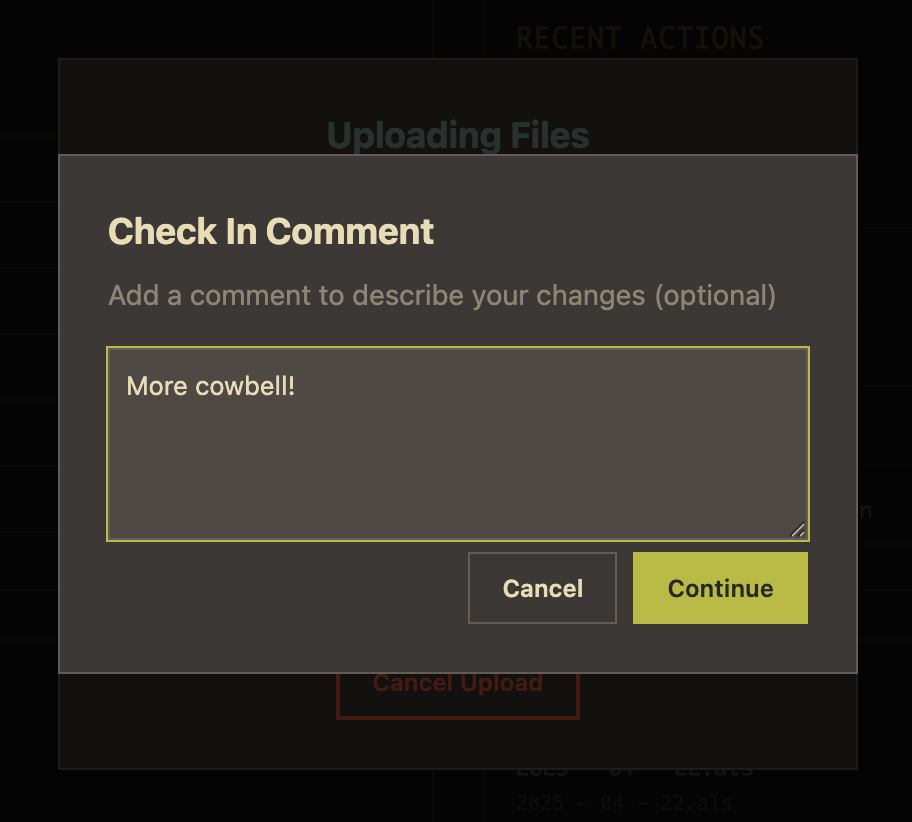
- A comment — describe what you changed so collaborators have context