Getting Started
Get up and running in under a minute.
- Download the app from the releases page (macOS and Windows)
- Sign in with your Google or Microsoft account — no separate password to remember
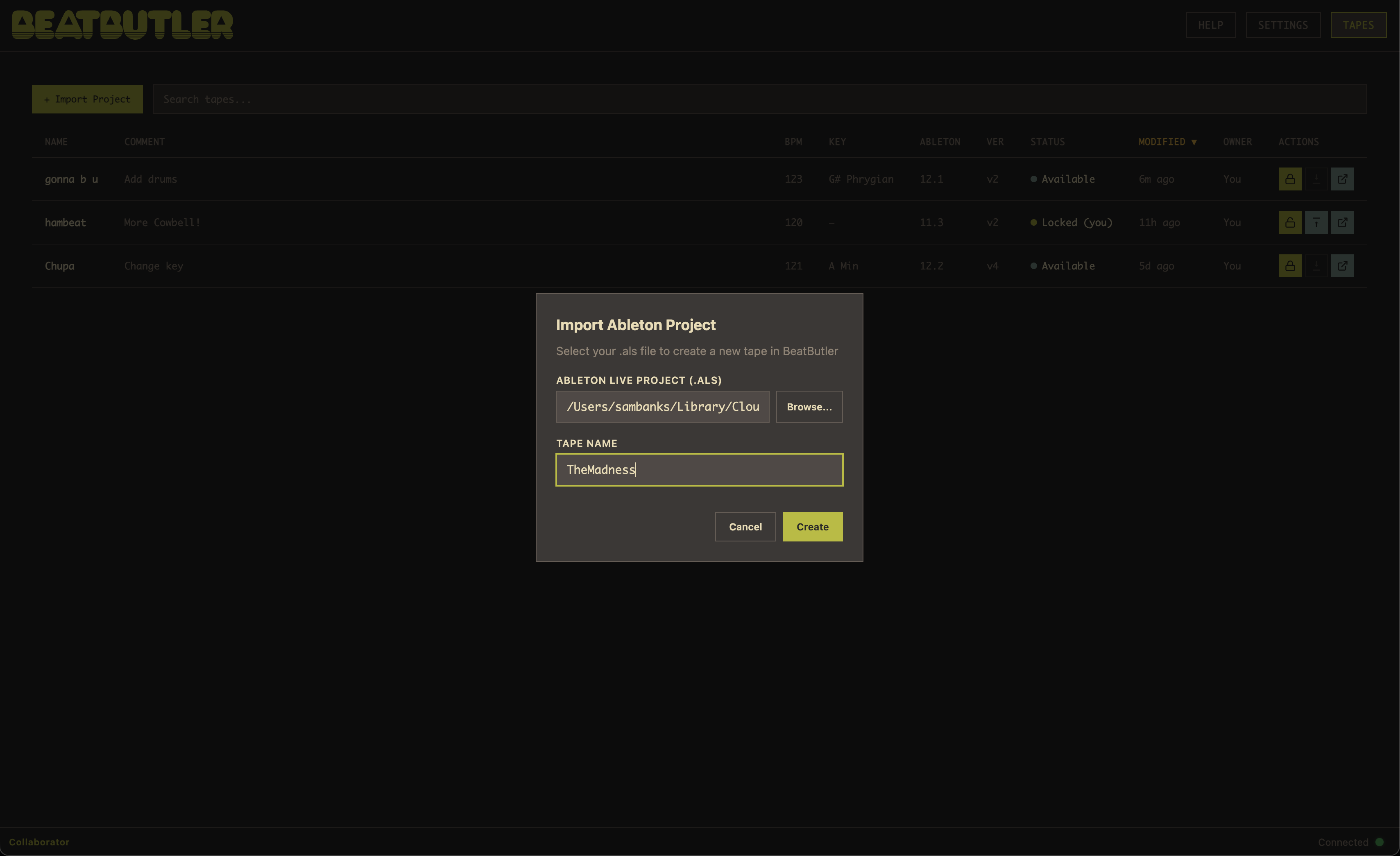
- Import your first project — click the + button or press Ctrl+N and select an Ableton Live project (.als file)
- Invite collaborators — open the tape, go to the Collaborators tab, and add your bandmates or co-producers by email
When you import a project, BeatButler uploads all the project files to the cloud and creates a new tape at version 1.0. Your original files stay where they are — BeatButler manages its own copy. The tape appears in your project browser, ready to check out or share with collaborators.