Syncing
Keep your collaborators up to date without releasing the tape.
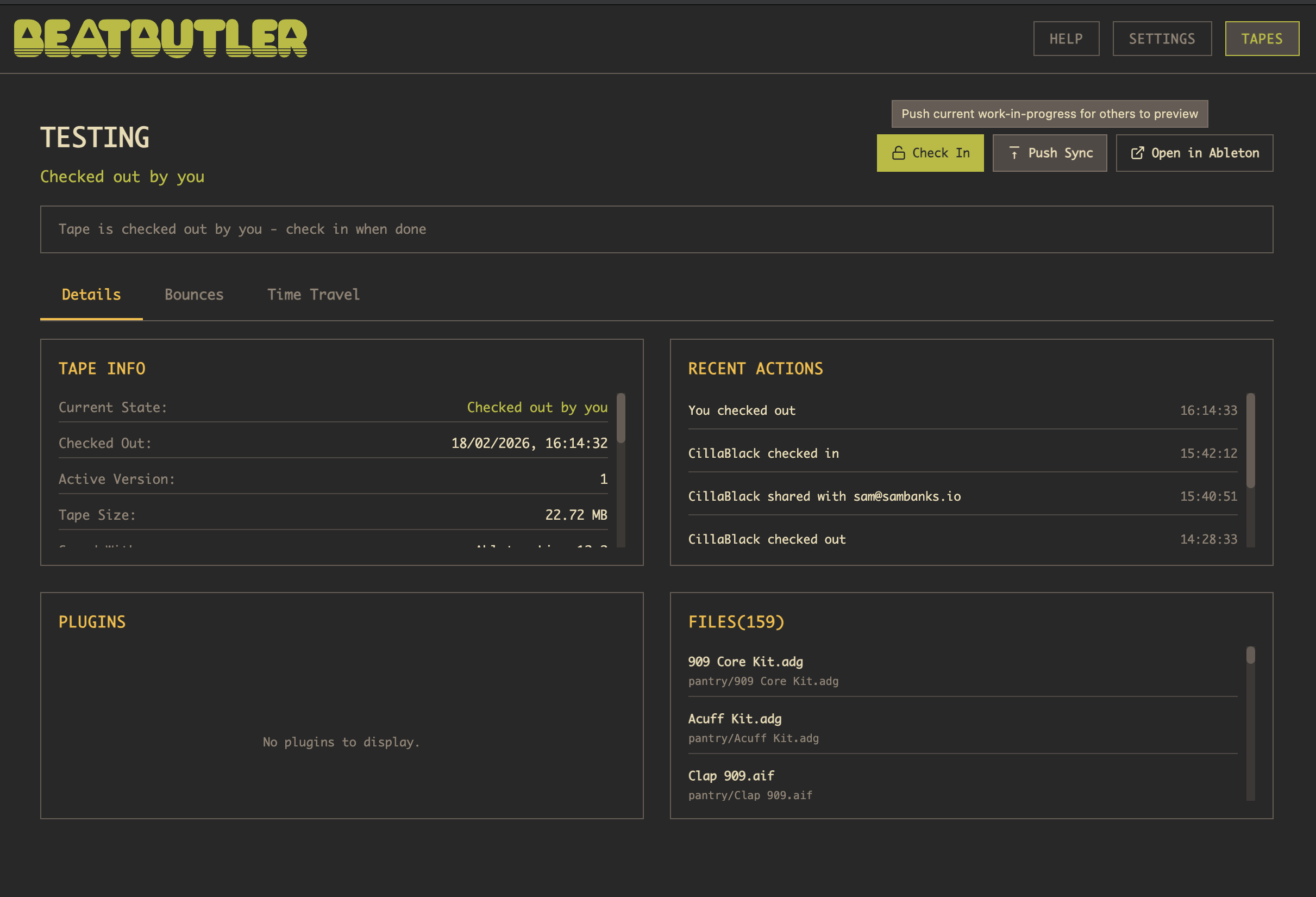
Auto-sync watches for changes to your project and automatically uploads them to the cloud. It kicks in every time you save in Ableton Live — so save often to keep your collaborators up to date and to create restore points for yourself.
Syncing is fast — only the files that changed since your last sync are uploaded, so it usually takes just a second or two even for large projects.
Manual sync (Ctrl+S) lets you push your changes with a comment, so collaborators know what you're working on. Use this when you want to share progress or explain what you've done.
Each sync creates a minor version, building up a timeline you can browse and restore from at any time.
Sync vs check-in
- Sync — uploads your changes but keeps the tape checked out to you
- Check-in — uploads your changes and releases the tape for others
While someone else has the tape checked out, you can sync down their latest changes to hear what they're working on — you just can't edit until they check it back in.